

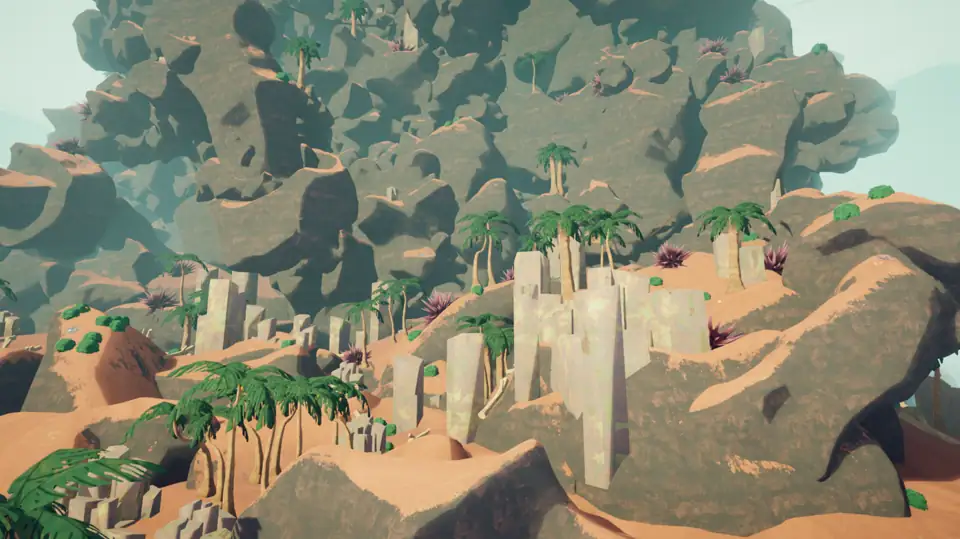

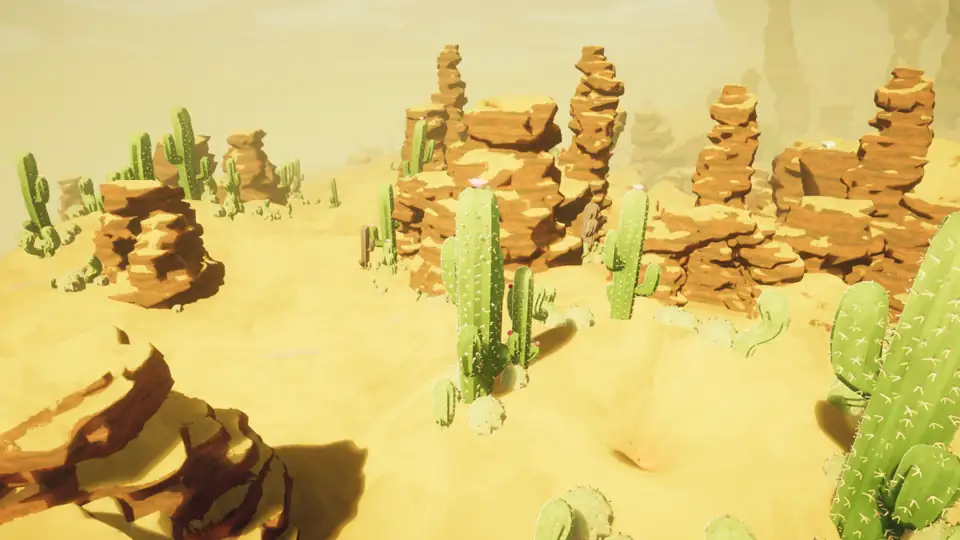


Today's answer
Today's answer
The top panel answers the PEAK map today query with a build-time estimate from the PEAK Wiki timer script. It shows the date, map or route, biome, reset status, update timestamp, and source media. This is a community estimate rather than an official daily result, and it can become inaccurate when the map pool changes. The sections below explain the evergreen decisions behind PEAK map rotation, equipment planning, and in-game route checks, while the FAQ covers how today's result fits with patch changes.
What PEAK map rotation actually changes
When players search for PEAK map rotation, they are usually trying to answer a practical question: what kind of climb is the team about to enter? A route is not only a picture of terrain. It changes the value of scouting, stamina management, food, rope utility, recovery items, and the point at which a team should stop pushing. That is why a rotation guide should explain decisions rather than publish a bare list of names.
Keep three layers separate. The active route is the result you can verify inside the current game session. The map rotation is the broader pattern that makes different route and biome contexts appear over time. A daily-map query is a time-sensitive request for the first layer. Mixing them creates stale answers: an old image can still explain a mechanic, but it cannot prove what your lobby will show today.

- Route context Use it to decide what deserves a quick scout before anyone spends stamina.
- Biome context Use it to frame hazards and resources, while confirming the exact in-game state.
- Version context Use official patch notes to check whether older route advice still applies.
How to use today's PEAK map without guessing
Start with the dated panel above. Treat its estimated map or route as a planning clue, compare its date and version with your session, and confirm the active route in-game before planning a climb. When the panel says data pending, the current game session is the final source rather than an old community screenshot.
After confirming the route or biome, look for the first visible hazard that changes how your group will move. Then agree on one short note: what to carry, where to pause, and what would make the team turn back. The process remains useful when the map changes because it turns a search for a label into a repeatable pre-climb check.
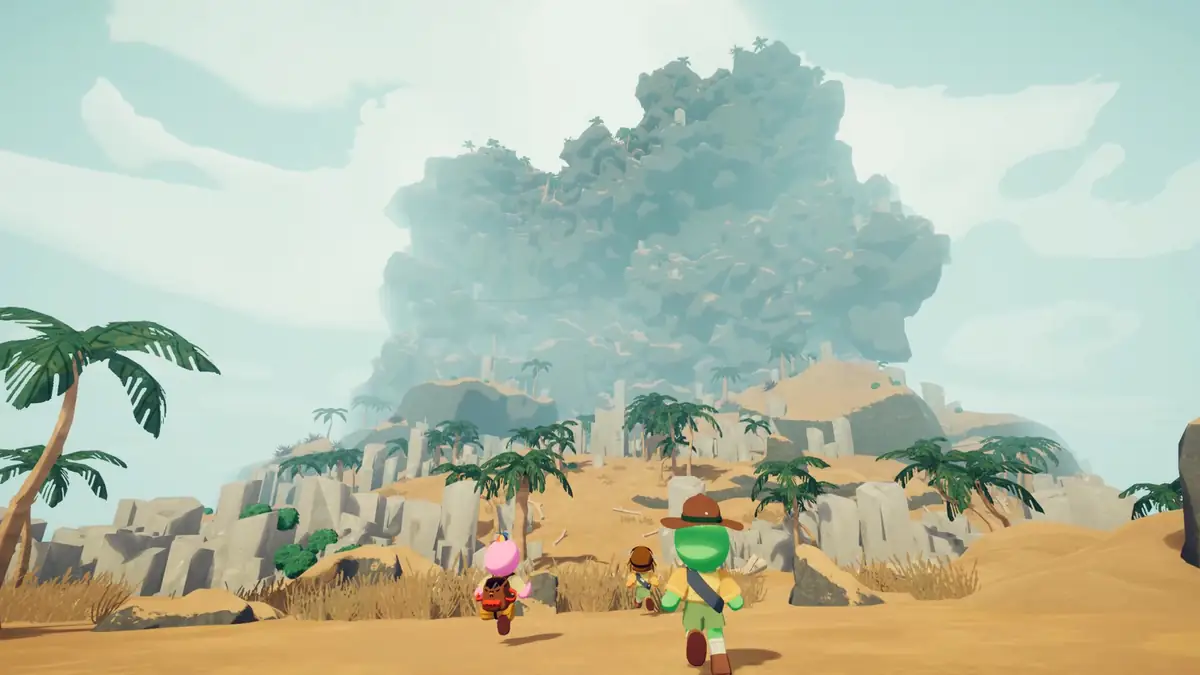
- 1. Confirm the current route Read the in-game route and biome instead of trusting an undated image.
- 2. Scout the first commitment Find the first climb, hazard, or gap that could consume shared resources.
- 3. Set a team rule Decide who carries recovery utility and what counts as a safe stopping point.
- 4. Record the date and version A short note lets you tell a lasting mechanic from a patch-specific observation.
How to plan gear around a changing route
A rotation should change your priorities, not force a completely new inventory every time. Begin with the smallest set that protects the team from the next known decision. Rope and piton are route tools; food and stamina items protect pacing; a recovery item protects the run after a mistake. The best loadout is the one the group can explain before leaving camp.
The homepage database links equipment to route and team roles, but it intentionally does not pretend that a short prototype list is a complete item table. When an item effect or drop location matters, check the current game and official update information. Use the table below as a planning lens, not as an unsupported tier list.
| Question | What to check | Why it matters |
|---|---|---|
| Where is the first risk? | A climb, gap, hazard, or narrow route | It determines whether the team needs a route tool before extra loot. |
| Who owns recovery? | One player or a shared plan | A recovery item is only useful if the group knows who can reach it. |
| How long is the next push? | Food, stamina, and safe pauses | Pacing prevents a small detour from becoming a late-run failure. |
| What changed in the patch? | Official notes and date | Version context prevents old advice from sounding universal. |
PEAK map today vs. PEAK map rotation
The phrases look similar, but intent differs. PEAK map rotation is informational; PEAK map today expects a current, dated result. This page serves both: the block above presents a dated community estimate, and the sections below explain mechanics and planning. The estimate is not an official announcement, so a pending card or a version change still requires an in-game check.
A daily result expires quickly, but route reading, team pacing, and source checking continue to help after a patch. Use the dated entry for the current answer, then use the rest of this guide to understand the route and prepare for the next climb.
- Daily answer Use the dated panel for map, route, biome, update, reset, and source details.
- Rotation guide Use the sections below for mechanics, checks, equipment, and planning.
- Data rule Only entries with a matching date, source URL, and location details are published.
- Patch check Reconfirm live details after an update or a version change.
How many maps are in a PEAK run?
This question often mixes together maps, biomes, route stages, and the number of places a team passes before the summit. A useful answer should first define which unit it is counting. The site currently uses biome slots as an organizing label on the homepage; that label is not a promise that every run has one fixed number of maps or that every route follows the same sequence.
For planning, count decisions instead of guessing a universal total. Mark the next safe rest, the next resource check, and the next point where a team can turn around. If a later official source documents a stable route structure, the wiki can add a sourced table. Until then, cautious wording is more useful than a precise number that becomes wrong after a content update.
- Count the route unit Say whether you mean a biome, a stage, a map area, or the whole attempt.
- Separate fact from field note Official names and update dates are facts; pacing advice is practical guidance.
- Recheck after updates Final Ascent or a later patch can change the context in which old advice works.
A five-minute rotation checklist
Before the team commits to a route, use a short checklist that can survive a changing map. The goal is not to memorize every biome. The goal is to make the first risky decision together, keep one recovery option available, and leave a clear note for the next attempt. That is the durable value behind a PEAK map rotation guide.
After the run, record what was actually different: the hazard you saw, the item that mattered, the point where the team slowed down, and the patch or date. A small, dated field note is easier to verify than a confident paragraph copied from an old discussion.
- Route Can every player name the active route or biome?
- Hazard What is the first visible problem that changes movement?
- Utility Which player carries the route or recovery option?
- Pacing Where is the next safe pause and when do you turn back?
- Source Which date, version, or official note supports the observation?
Quick answers
PEAK map rotation FAQ
What is PEAK map rotation?
It is the changing route and biome context that affects how a team scouts, packs, paces, and records a climb. It is broader than a single live map result.
How do I know today’s PEAK map rotation?
The top of this page provides a dated community estimate with its route or biome, source, and reset status. It is not an official announcement and may become inaccurate after an update, so use the current game session as the final check.
Is there a new PEAK map every day?
Do not assume that a daily search phrase means the entire route is replaced on a fixed schedule. Confirm the current in-game route and check official update notes for changes.
What maps are in rotation today?
Start with the dated Today's PEAK Map panel at the top. It lists the estimated map or route from the community script; use it as a planning clue and confirm the result in-game, especially after a patch.
How many maps are in a PEAK run?
Define whether you mean biomes, stages, areas, or the whole attempt first. The wiki avoids publishing a fixed total without a maintained source because route structure can change.
Can a PEAK patch change map rotation advice?
Yes. A patch can change hazards, items, route context, or the value of an old strategy. Recheck official notes and date field notes after an update.
Sources and boundaries
Use the estimate and verify in-game
The dated map panel uses a maintained build-time estimate based on the PEAK Wiki timer. It is a community reverse-engineered estimate, not an official announcement, and it may become inaccurate after updates. Official Steam media and news provide the broader source trail; check the current game whenever the version or route differs. Community corroboration: Steam Community daily map guide. It is a secondary community source, not an official announcement.