SEP022026
CURRENT
HOTFIX 2.4.b
Fixed Render Scales looking bad below Native and fixed Steam Avatars not showing in the right spot in the pause menu.
Independent PEAK reference - research snapshot October 3, 2026
A calm, useful field guide for the climb: check the current map rhythm, look up equipment before you leave camp, and follow the latest version notes without digging through scattered posts.
01 - Rotation desk
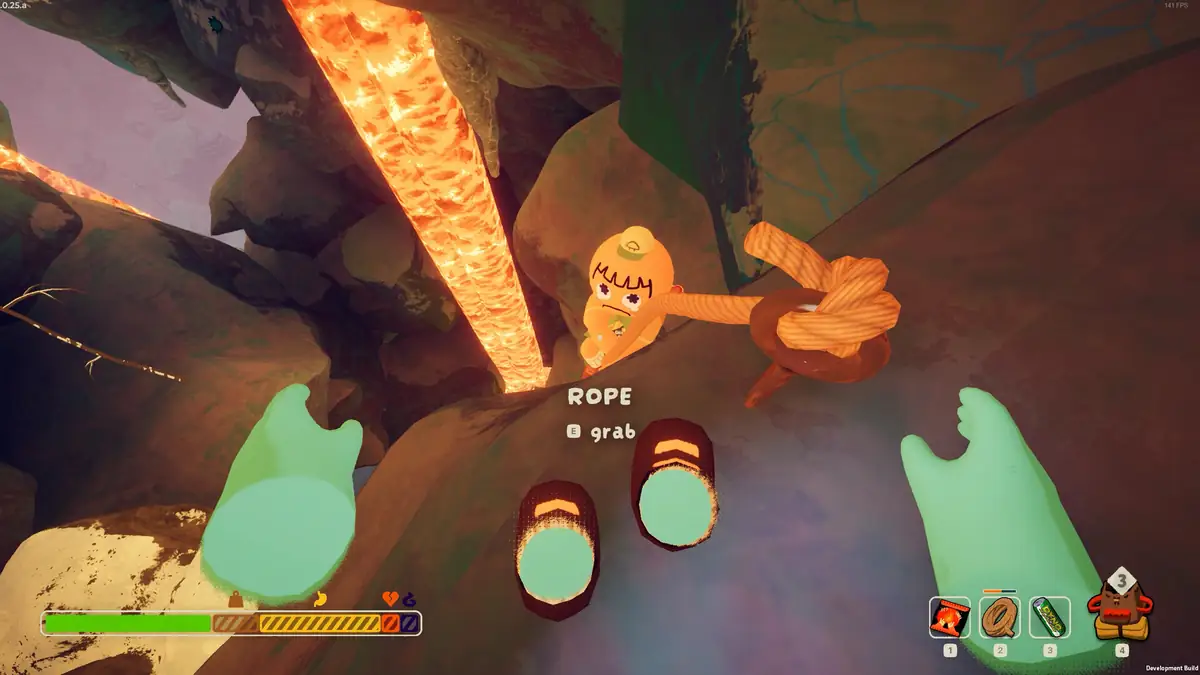
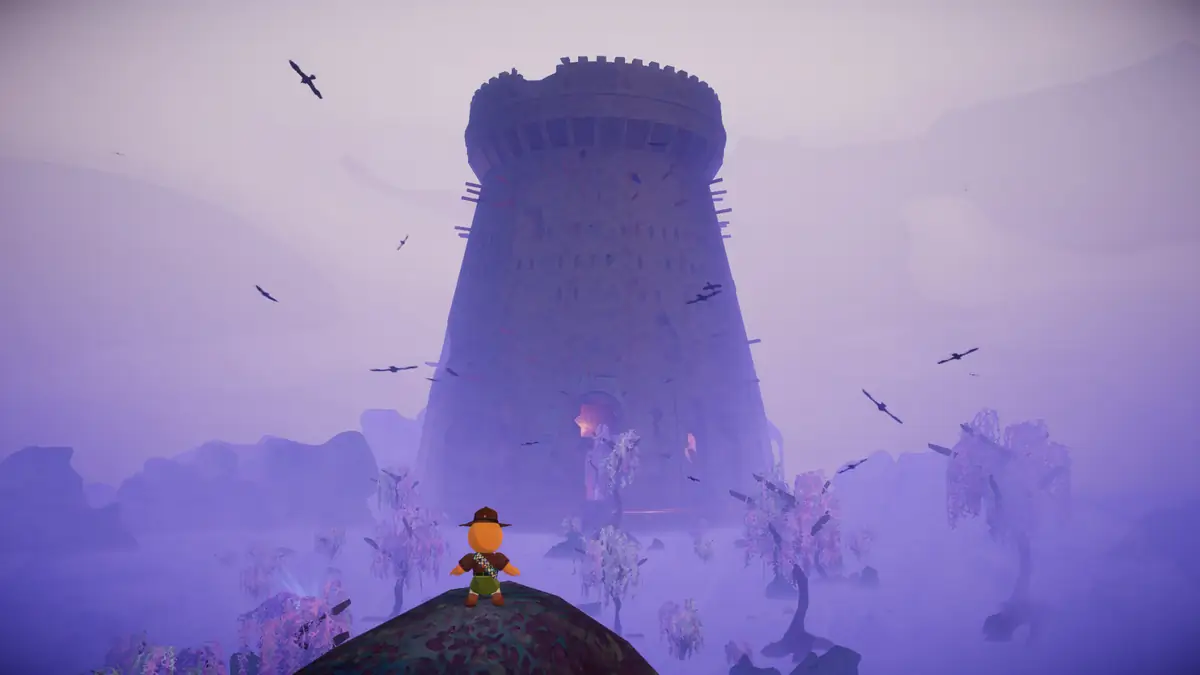
The map rotates, while your plan should stay simple: check the route, pack for the hazards you expect, and leave room for a recovery item. This field guide keeps the entry point visible while a reliable live rotation source is being connected.
For a PEAK player, map today is a practical question rather than a lore question. The route determines how much time you can spend looking for food, how much climbing equipment is worth carrying, and when a team should stop pushing upward.
This page keeps the rotation language honest. See today's verified map at the top of our map rotation guide, updated daily. The official game and update feed remain the authority for the active route.
PEAK field guides
02 - Version desk
Fixed Render Scales looking bad below Native and fixed Steam Avatars not showing in the right spot in the pause menu.
The CALDERA and THE KILN have been re-added to the map rotation; Condors now fly around the CALDERA, and petrifying rocks plus hot rock bridges have been added to THE KILN.
Added a new batch of maps with Gloom/Citadel to the daily rotation.
Reverted the rope change that made starting a grab cost stamina based on distance, and reduced Clown Luggages needed for the Jester Achievement from 3 to 2.
Track the exact official post first; use the wiki to connect the patch to affected hazards, items, and route advice.
A larger update milestone that gives the site an anchor for new map, biome, equipment, and badge pages.
Use this note as the bridge between announcement coverage and the practical pages players need after an update lands.
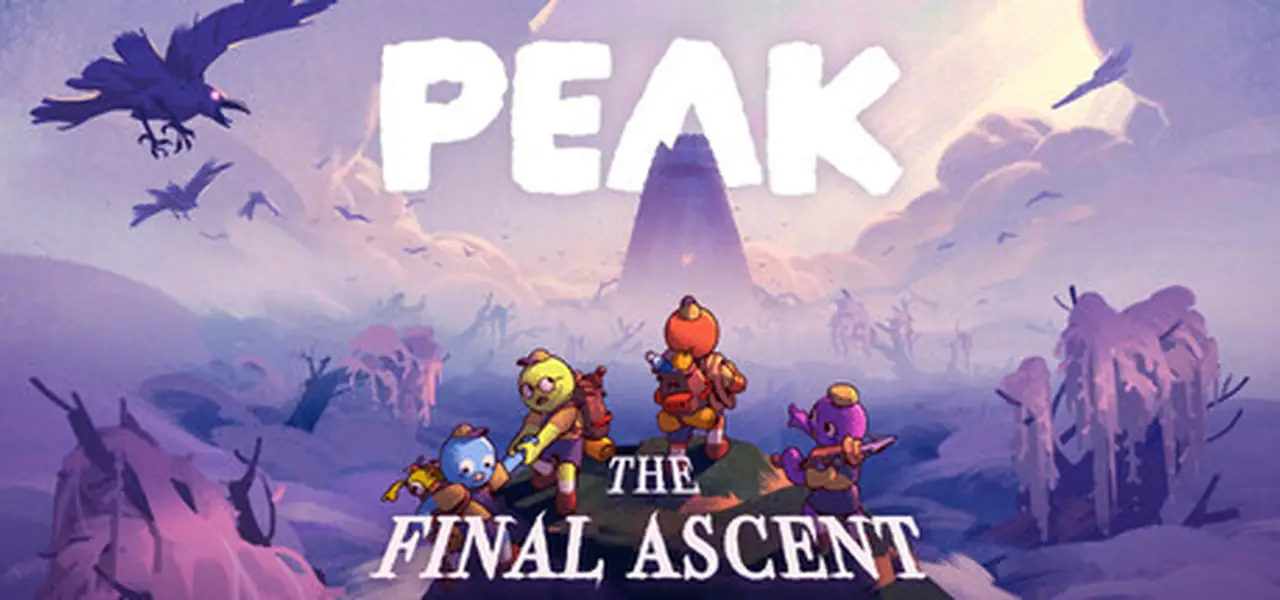
Update pages connect a temporary search spike to a durable reference structure. A patch headline can earn the first visit, but a player deciding what to carry next wants a clean item entry, a hazard explanation, and a note about whether an old route tip still applies.
The current snapshot favors official names and dates. Community explanations can add practical detail later, but they should be labeled as field notes and checked against the game.
03 - Field database
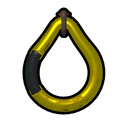
A climbing anchor for route confidence and a clear stop signal when the team is improvising.
Read climbing notes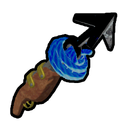
Rope utility for teams that want to compare a slot before committing to a route.
Compare use cases
A co-op item entry for deciding when a team-facing slot is worth carrying.
Open co-op context
A stamina consumable to keep separate from permanent equipment during route planning.
Use in route planning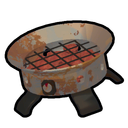
A camp utility entry for food preparation, pacing, and the cost of carrying one.
Add to a climb plan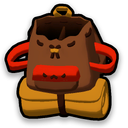
A capacity entry for team loadouts, trade-offs, and shared carrying plans.
Review team loadouts
A specialized climbing tool for route decisions when ordinary rope behavior is not the answer.
Read route gear notes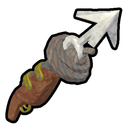
A climbing tool that projects a rope line when a direct approach is awkward.
Compare climbing tools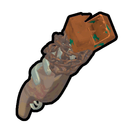
A climbing tool for extending a planned lateral connection with a chain.
Review chain route use
A carried cold-management tool for keeping exposure from deciding the next move.
Plan cold protection
A consumable food option for planning the next push when stamina management matters.
Plan the next food break
A defensive food option for teams planning around hazard exposure.
Plan defensive food
A biome-specific food option whose current behavior should be checked in the active game build.
Check biome food notes
A throwable co-op utility for creating a deliberate interaction across open space.
See co-op utility notes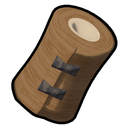
A recovery utility for stabilizing a climber after a mistake or hazard.
Review recovery items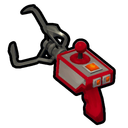
A team-support tool for helping a scout recover from a compromised position.
Review rescue toolsNo matching field notes yet. Try a different item name or category.
Item entries are concise field notes covering names, categories and route roles. Check exact effects and values in-game, as patches may change them.
04 - Progress tracker
PEAK has two different kinds of progress language: in-game badges and platform achievements. A useful wiki should make that distinction visible, then give each entry a clear unlock condition, related biome, and source note.
05 - Field notes
PEAK is easier to describe as a climbing problem than a checklist of items. The team decides when to move, who carries the recovery option, which route is worth the risk, and when a summit attempt has become a rescue attempt.
Scout before spending stamina. A route note should explain what the player can see, not only name the biome.
Share utility across the group. Item pages should show the team role of a slot, not just repeat an inventory label.
Separate facts from field notes. Official update names and dates get a source link; practical advice gets a context label.
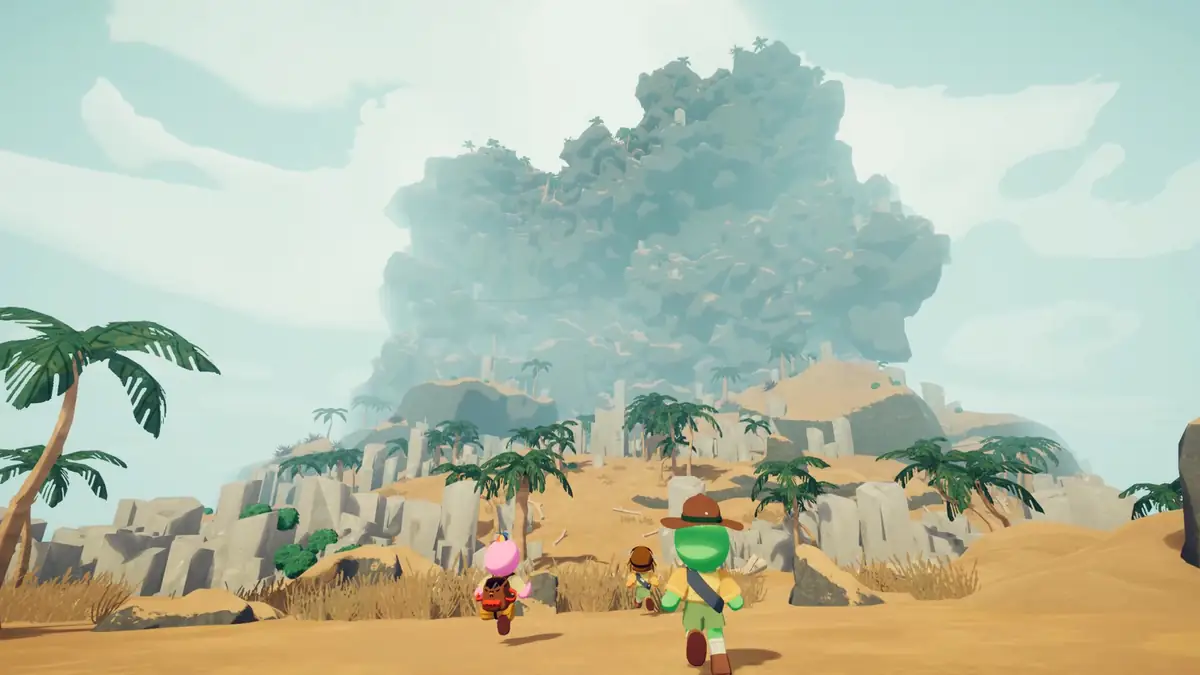
The strongest supporting pages answer questions that naturally arrive together: Is PEAK single player? How many people can join? Which equipment is useful when a route changes? What happens after the latest biome update?
This is why the wiki does not lead with codes or an invented tier list. The game search surface is built around routes, objects, hazards, and cooperation.
06 - Quick answers
Yes. PEAK can be played solo or cooperatively. The store description presents both options, with a group size of up to four players.
Cross-platform support can change with platform releases and updates. Check the official store and current patch information before organizing a mixed-platform session.
The official Steam description supports a group of up to four players. A future multiplayer page should also document joining and mid-run coordination from current sources.
PEAK uses a changing map rotation. Check the daily update section at the top of the map rotation guide, then confirm the active route in the game. Today's PEAK Map
The updates section identifies HOTFIX 2.4.b as the current patch, layered on top of Patch 2.04.a THE KILN IS BACK. It fixed Render Scales below Native and Steam Avatars in the pause menu; see the full update log at /peak-game-update and the official Steam News feed for complete details.
No. They are related progress surfaces but should be tracked separately. The wiki keeps platform achievements, in-game badges, and cosmetic context in separate fields.
Source notes
This independent PEAK Game Wiki uses official Steam media and update names as its primary references. It is not affiliated with the developer, and it does not host the game or promise a direct download.