
The short answer
The short answer
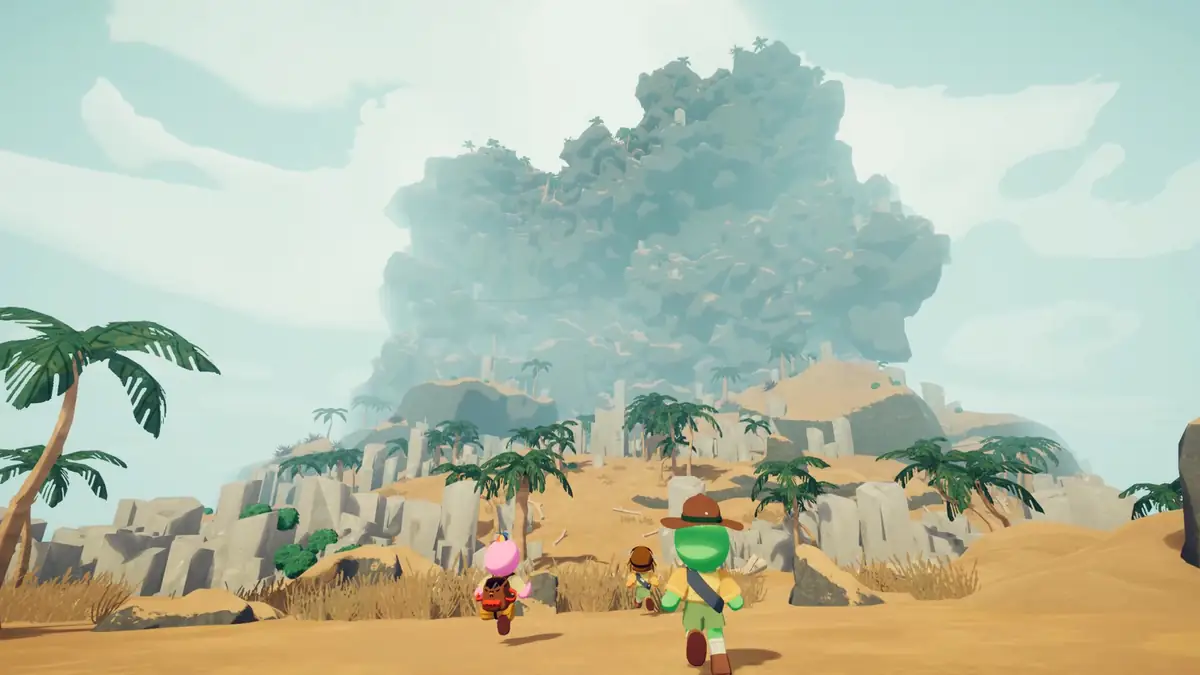
PEAK is a co-op climbing game for Windows on Steam. You can play solo or with a group of up to four players, according to the official store description. The central challenge is not simply moving upward: the team must read a changing route, choose when to spend climbing utility, manage food and stamina, and recover from mistakes. Maps and biome labels provide context, but the current game session is the final source for the route in front of you.
What is PEAK game in one sentence?
PEAK is a climbing-focused co-op game in which the route itself creates the pressure. The official Steam page describes solo play and multiplayer co-op for groups of up to four. The game is therefore easy to summarize as “climb together,” but that phrase leaves out the useful part: each ascent asks the group to decide how far to push, what to carry, and who can help when a plan fails.
This is an independent guide, so official facts and practical advice are kept separate. The platform, co-op classification, and player-count statement come from Steam. The recommendations below are field-note methods for making decisions in a route-based game; they are not a claim that every team must use one loadout or one path.
- Platform The official store lists PEAK for Windows on Steam.
- Modes The store lists single-player, multiplayer, co-op, and online co-op categories.
- Group size The official description supports a group of up to four players.
How the PEAK gameplay loop works
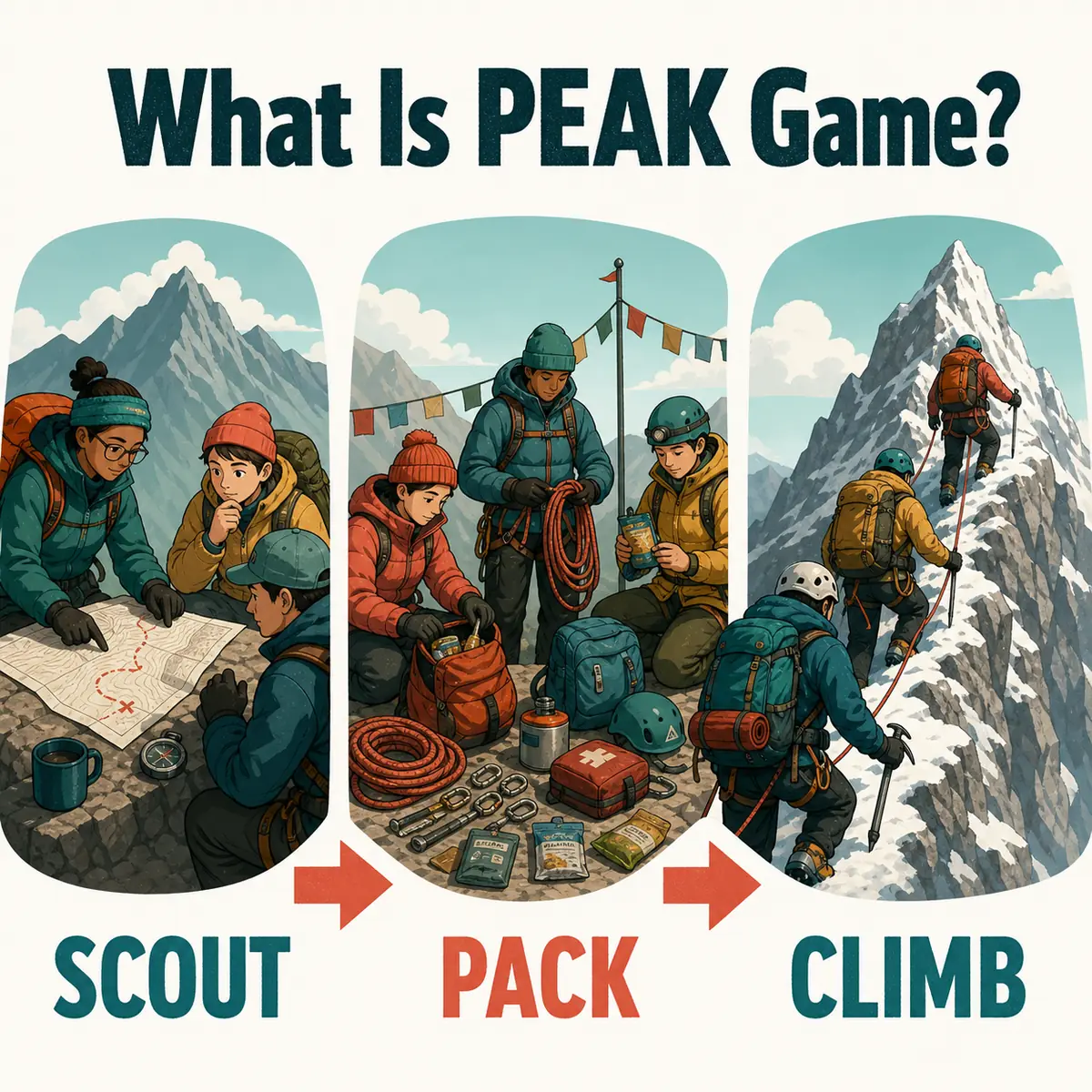
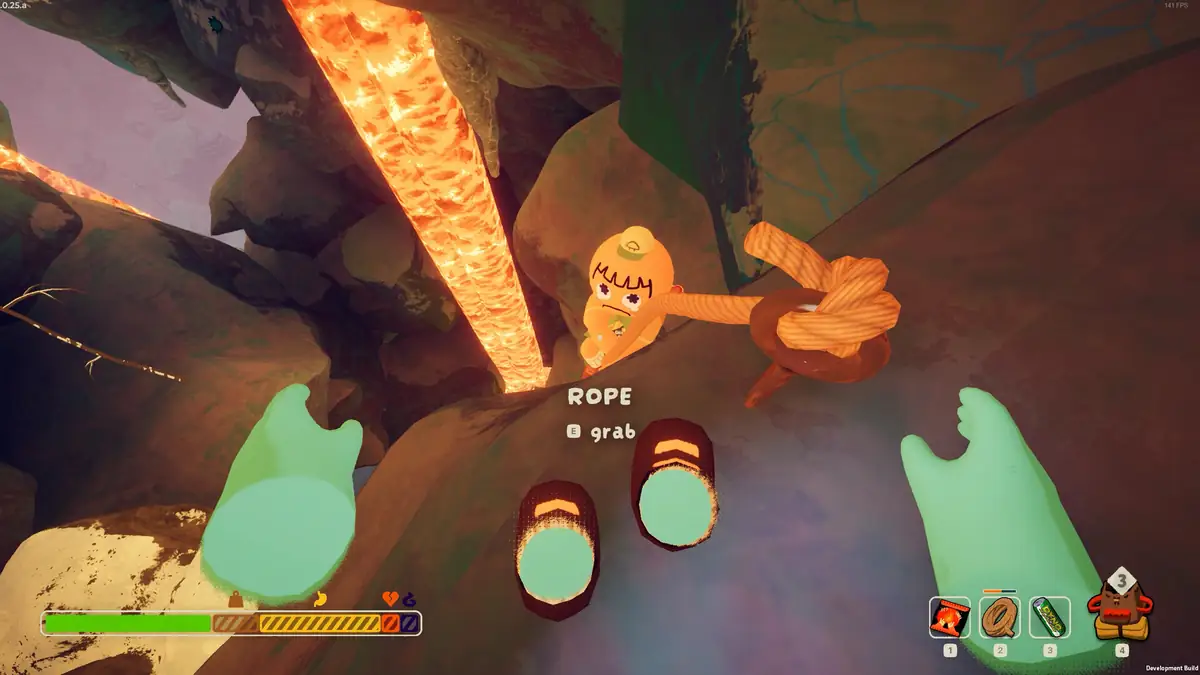
A typical run begins with a route decision rather than a combat build. The group looks at the next climb, gap, hazard, or uncertain passage, then decides how much time to spend scouting. Climbing tools and recovery options have value because they protect decisions under pressure. Food and stamina-related resources matter because a route that looks short can become expensive when the team detours or waits for a safer move.
Team communication is part of the mechanic even when the game does not show a formal role system. One player may lead the visual read, another may carry a useful tool, and everyone benefits when the stopping point is agreed in advance. A strong beginner habit is to say what the next commitment is, what resource protects it, and what would make the group turn back.
| Decision | Question to ask | Why it matters |
|---|---|---|
| Route | What is the next commitment? | A clear target prevents the team from spending resources on every visible possibility. |
| Equipment | Who can use the tool when needed? | Shared inventory only helps when ownership and timing are understood. |
| Pacing | Where is the next safe pause? | A planned pause protects stamina and gives the group a reset point. |
| Recovery | What is our turn-back rule? | A retreat plan keeps one mistake from becoming a full-run rescue. |
PEAK maps, biomes, and the rotation system
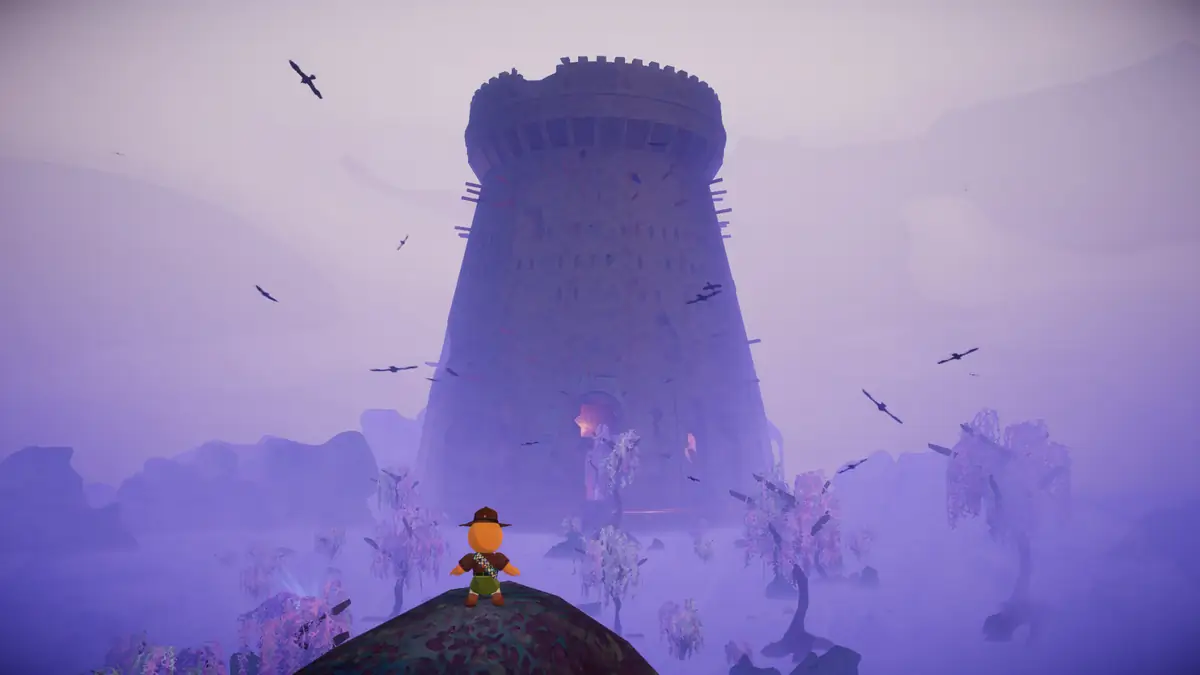
New players often search for how the map rotation works because map, route, and biome language can blur together. A map is the space you navigate, a route is the path or sequence context, and a biome is a broad regional label. The daily rotation makes the question time-sensitive: a dated sequence can help you plan, but it should not replace the route shown by your current session.
To see today's active map, open the daily entry and check its date, source, route, and reset status. If data is pending, trust the current game over an undated screenshot. The map page also explains how to separate a daily answer from evergreen planning advice, which is the key distinction behind a useful PEAK wiki.
For the broader vocabulary, read our biomes list. It names the current source-backed roster while clearly marking the difference between a biome label and a complete map assignment.
How to start your first PEAK run
You do not need a memorized tier list to begin. Use a short loop that works whether the route is familiar or new. The goal is to create one shared decision at a time and keep enough margin to recover. Once the group has a few dated observations, it can refine its route notes without confusing experience with an official rule.
The same loop works in solo and co-op runs, but the communication burden changes. Alone, you must make the route call and recovery decision yourself. With a group, say the next commitment and pause point aloud so players do not spend shared resources under different assumptions. A checkpoint is a coordination habit, not a guarantee that the terrain is safe.
- 1. Confirm the session Check who is playing, what route the game shows, and whether everyone understands the first objective.
- 2. Scout before committing Look at the first meaningful climb or hazard before spending the item that could protect it.
- 3. Assign utility Say who carries route support, food, or recovery responsibility instead of leaving it implicit.
- 4. Choose a pause Identify a place to regroup and a clear condition for turning back.
- 5. Record one note After the attempt, save the date, route, version, and the decision that mattered most.
How updates fit into the beginner picture
If you searched what is PEAK game because a new biome or patch appeared, start with the latest updates page. It keeps official titles and dates separate from community interpretation, so a new player can tell whether a headline announces content, changes a mechanic, or simply fixes a bug.
After an update, repeat the same beginner loop: read the official title, check the current map, test one route assumption, and record what changed. That approach is more durable than memorizing a recommendation that may have been written for an earlier version.
Quick answers
What is PEAK game? FAQ
Is PEAK a multiplayer game?
Yes. The official Steam listing includes multiplayer, co-op, and online co-op, and its description supports groups of up to four players. PEAK also supports solo play according to the same source.
What do you do in PEAK?
You climb through changing route contexts, read terrain, manage equipment and resources, and coordinate with the group. The exact hazards and item effects depend on the current game and version.
How does the PEAK map rotation work?
A dated route or biome sequence can change over time. Read the daily map for the current build-time record, then confirm the active route in your session because a static page cannot replace the game state.
How many players can play PEAK together?
The official Steam description supports a group of up to four players. Check the current store and patch information if platform or multiplayer support changes.
Is PEAK a survival game or a climbing game?
The most useful short description is a co-op climbing and survival game: climbing is the central movement challenge, while resource and recovery decisions create the survival pressure.
What should beginners bring in PEAK?
Start with the smallest set that protects the next visible decision: route utility, food or stamina support as needed, and a recovery plan. Do not treat one unverified tier list as universal.
Sources and limits
A beginner guide grounded in current sources
Platform, mode, co-op, and player-count facts come from the official PEAK Steam page. Map and reset details are build-time records maintained for this site. Practical climbing advice is labeled as guidance and should be rechecked after updates or when the current session differs.