
The short answer
The short answer
To revive a teammate in PEAK, first decide whether they are unconscious or dead. For an unconscious Scout, follow the healing or recovery action the current game accepts from a safe position. For a dead Scout, check a current resurrection option: Scout Effigy is recorded as reviving a dead Scout at a target in co-op. A Checkpoint Flag is a separate, single-use respawn checkpoint for the Scout who placed it. If no prompt appears, do not guess a permanent altar or last revive point: check the player state, mode, item, target location, and current build first.
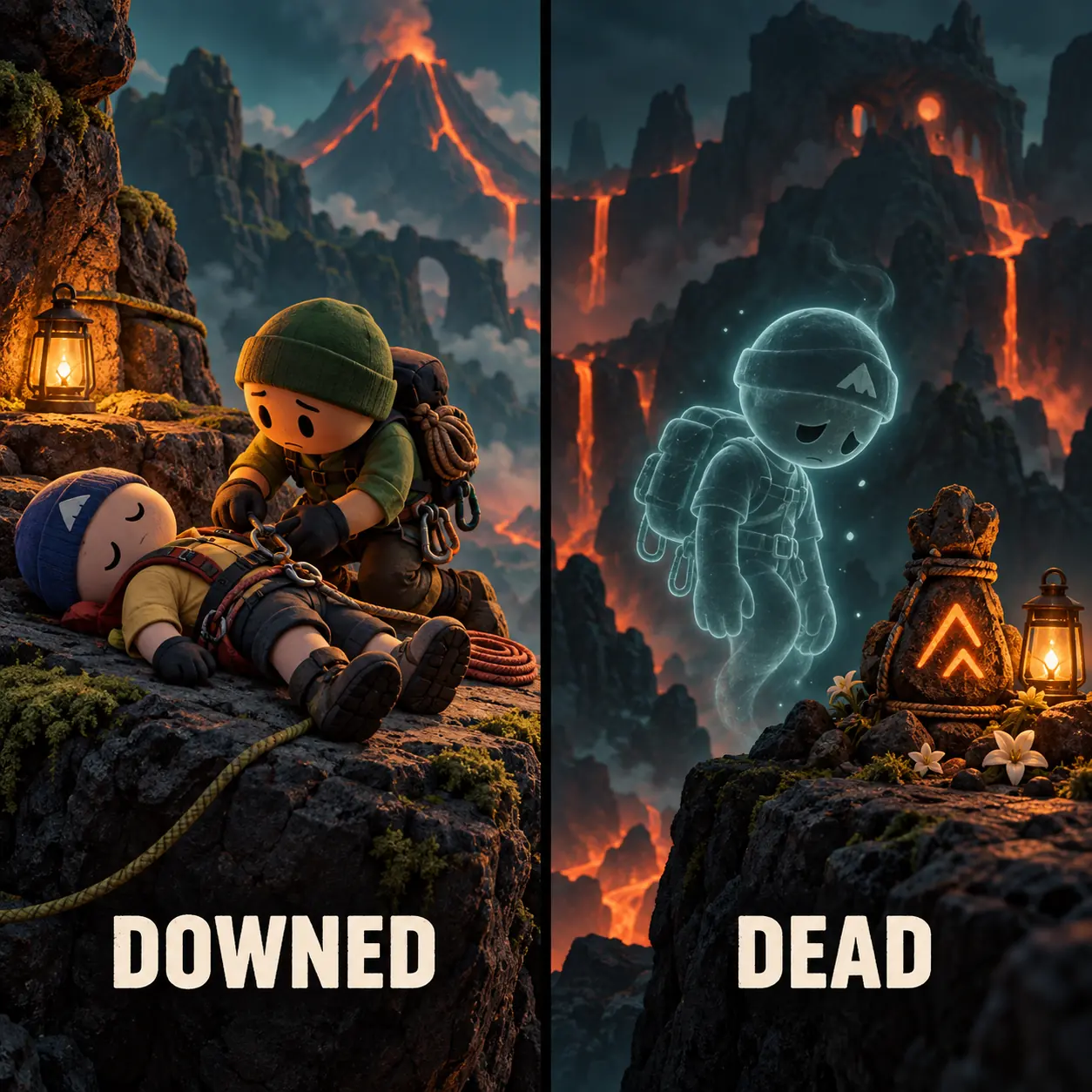
First: is the Scout downed or dead?
Most failed revive attempts start with the wrong state assumption. A downed or unconscious Scout is still part of the current recovery problem: the team should read the prompt, protect the person who is helping, and decide whether the nearby terrain is safe enough to continue. A dead Scout is a different state, because the team needs a resurrection item or another option the current run makes available.
The wording in community searches is inconsistent. “How to revive someone in PEAK” may mean helping a teammate who is lying on the route, while “how to resurrect in PEAK” usually points toward bringing back a Scout who has died. Treat the visible state and the current prompt as more reliable than a generic guide title, especially after an update.
| State | Visible clue | First action | Scout Effigy? |
|---|---|---|---|
| Downed or unconscious | The Scout is still present on the route and the game or item system exposes a recovery interaction. | Secure the approach, use the accepted healing/recovery action, and let one helper complete it. | Usually not the first step; solve the unconscious state first. |
| Dead Scout | The Scout is no longer in the normal downed interaction and the run presents a resurrection or respawn route. | Check co-op status, confirm the target or source, and use the current accepted option. | Yes, when the item and target condition are available. |
| No prompt or unclear state | The team cannot see a valid interaction, target, or accepted item use. | Stop moving, verify the state, item, location, and version before trying again. | Do not assume a fixed revive point. |
How to revive a downed teammate in PEAK
For an unconscious player, begin with the state and route rather than a remembered keybind. The community-maintained Scout reference describes healing items as the way to restore an unconscious Scout, but the exact usable item, timing, and prompt can change with the current build. Move the helper to a stable surface, keep the rest of the team from crowding the same edge, and let the in-game interaction decide what is valid.
The helper should announce that they are taking the recovery attempt, while the downed player communicates whether the nearby position is reachable. If the route is still dangerous, clear the next landing first. A successful recovery that immediately drops the same Scout again is not a complete solution; the team needs a safe pause, a short route call, and enough stamina or utility to leave the danger zone.
This is also where Rescue Claw can be confused with a revive. Rescue Claw is a co-op recovery tool for helping a teammate reconnect with terrain; it is not a universal substitute for the revive or resurrection action. Use the dedicated Rescue Claw guide when the problem is a pull, a bad ledge, or a teammate who needs a safer grab after the tool completes.
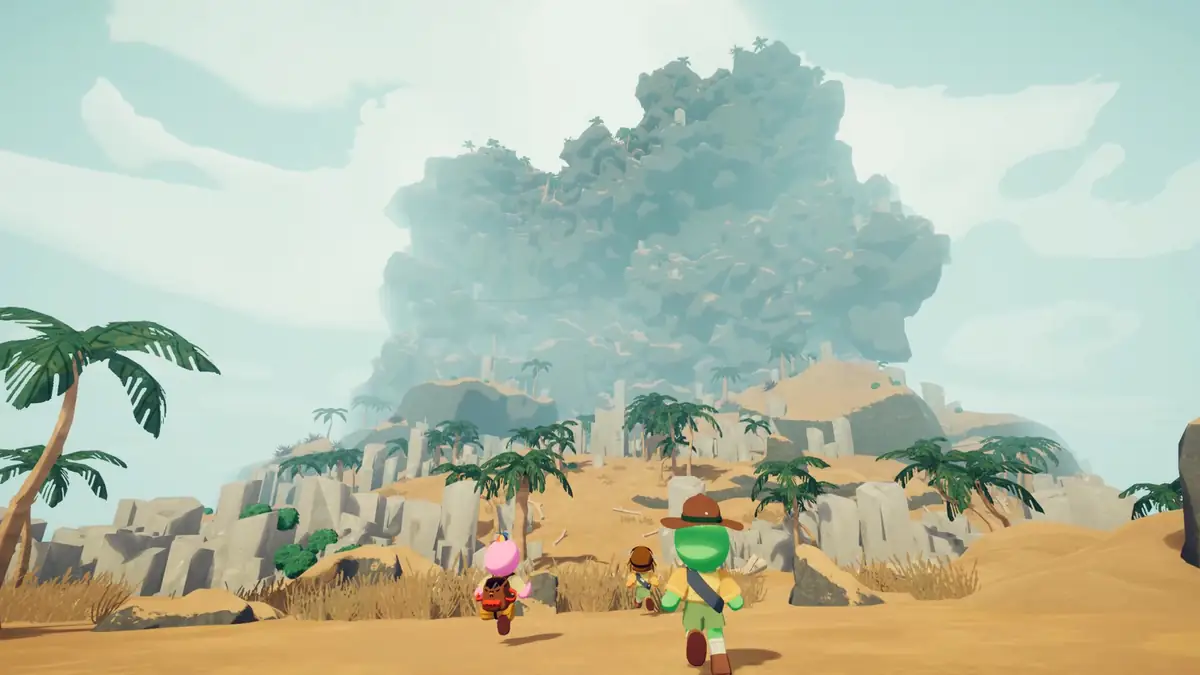
- 1. Stabilize Choose a surface where the helper can stop without creating a second downed player.
- 2. Read the prompt Use the current in-game recovery interaction instead of an old keybind or unverified shortcut.
- 3. Assign one helper Let one player perform the recovery while the rest watch the next hazard and the retreat path.
- 4. Leave the danger zone After the Scout returns, pause, share the next route call, and rebuild stamina before climbing.
How Scout Effigy resurrects a dead Scout
Scout Effigy is one strong answer to the “how to resurrect in PEAK” search. The maintained item entry describes it as being used to resurrect a dead Scout at the target location and notes that it cannot spawn in solo play. That makes the item a co-op resurrection option, not a general solo revive button or a replacement for every downed-state interaction.
Before using it, make sure the team is describing the same player state. If the Scout is only unconscious, first follow the current recovery prompt; if the Scout is dead, confirm that the team is in a co-op run, that the effigy is actually available, and that the target location is accepted by the current game. Keep the item and the route together: the user needs enough space to complete the action without falling or losing the next safe position.
For the item record and its current notes, open the Scout Effigy item entry in the PEAK item catalog. The catalog is a maintained reference, not a promise that every run has the same spawn or that an old community location remains unchanged after a patch.
- Co-op check Scout Effigy is not listed as a solo-spawn item; do not plan a solo run around finding one.
- State check Use it for the dead-Scout resurrection case, not as the first answer to every downed animation.
- Target check Aim for the location the current game accepts and keep the operator safe while the action completes.
- Version check If the item behavior or prompt differs after an update, record the build and follow the current game.
How resurrection differs from respawn checkpoints
The maintained item entries describe two different outcomes. Scout Effigy is used to resurrect a dead Scout at a target and is not listed as a solo-spawn item. Checkpoint Flag is described as a single-use respawn checkpoint for the Scout who placed it, restoring the recorded statuses. A checkpoint description does not prove that it resurrects another Scout at their body or that every route has the same final point.
Keep those labels separate when checking a run: resurrection brings a dead Scout back through a listed target, while a checkpoint respawn returns the Scout associated with that checkpoint. Follow the target and prompt shown in the current game; this guide does not infer a universal revive altar from an item name or an isolated community report.
| Term | Maintained item description | Boundary |
|---|---|---|
| Scout Effigy | Resurrects a dead Scout at a target; the item entry says it cannot spawn in solo play. | Check co-op status and the target accepted by the current game. |
| Checkpoint Flag | Creates a single-use respawn checkpoint for the Scout who placed it and records their statuses. | Do not treat it as proof of a universal last point or a way to resurrect a different Scout. |
| Downed recovery | The community-maintained Scout reference associates healing items with recovering an unconscious Scout. | Use the current in-game prompt; this is a different state from a dead Scout. |
What is the last revive point in PEAK?
The phrase “last revive point” sounds like a fixed checkpoint, but this site does not have a verified permanent map of one universal revive altar. A target location supplied by an item or prompt is not automatically the same thing as a fixed last checkpoint for every route. Do not convert a single community screenshot into a permanent rule for all biomes or all updates.
Use a three-part field check instead: identify the dead or downed state, read what the current run accepts as a target, and note the route or level where the attempt occurs. If a player asks where to revive a friend, answer with the accepted target in that run rather than a guessed coordinate. When the target is unclear, protect the remaining team and verify the item description or current official update context before spending the last recovery option.
This distinction matters on long climbs. A map page can help with route context, but it cannot prove a universal revive point unless a maintained source records that mechanic. Check today's PEAK map for planning, then return to the live game for the recovery interaction itself.
Why the revive option may not work
When a revive fails, test one variable at a time. First ask whether the player is downed, unconscious, dead, or already outside the interaction range. Then check whether the helper is using the correct item or prompt, whether the target is in a valid location, and whether the team has accidentally started a solo run where the required item cannot spawn.
Avoid repeating the same action while the route is moving around you. Stop at a safe surface, call out the state in plain language, and let one player inspect the prompt. If the behavior changed after a patch, compare the current game with the official PEAK update log and the first-party Steam feed before publishing a new “fixed” keybind or location.
- State Say “downed” or “dead” before choosing the recovery method.
- Mode Confirm the run is co-op when the plan depends on Scout Effigy.
- Location Move to a stable, accepted target rather than forcing an action at an exposed edge.
- Prompt Use the current text or interaction marker; do not rely on a remembered control.
- Patch Check the current update context when a previously familiar behavior no longer matches.
Can you revive in PEAK's final level?
The safest answer for the final level is conditional: use a revive, resurrection, or respawn option only when the current game presents a valid interaction, item target, or accepted recovery state. This guide does not claim a universal final-level revive point, an unlimited number of attempts, or a guaranteed workaround when the prompt is absent. Endgame terrain is exactly where an unverified shortcut can cost the whole run.
If a teammate is downed near the finish, secure the next landing before helping. If the Scout is dead, check whether Scout Effigy is available and whether the current target is accepted. If the final-level attempt does not expose the action, preserve the remaining players and record the build, route, and visible state for comparison with a later official note or a clearly sourced community report.

What to do after the Scout comes back
A successful revive is a reset point, not a command to sprint. Give the returned Scout a moment to regain control, share the next pause location, and decide who carries the recovery responsibility for the next section. If the team is low on stamina, food, or safe terrain, the correct follow-up may be turning back or waiting rather than climbing immediately.
For the wider run plan, combine this page with practical PEAK tips, the beginner climb guide, and the co-op room-code guide when a replacement teammate needs to join the lobby. The recovery method solves one state; route reading and communication determine whether the next state is safer.
- Reposition Move away from the edge or hazard that caused the recovery problem.
- Reassign Say who scouts, who carries recovery, and where the next group pause will be.
- Recheck Confirm the current route and item prompts before spending another limited option.
Quick answers
How to revive in PEAK FAQ
How do you revive someone in PEAK?
Identify whether the teammate is unconscious or dead. For an unconscious Scout, use the healing or recovery action the current game accepts from a safe position. For a dead Scout, check co-op status and the current resurrection or respawn route, including Scout Effigy when its target condition is accepted.
How do you revive downed players in PEAK?
Move one helper to a stable position, use the current healing/recovery interaction, complete the action, and then leave the danger zone. Rescue Claw can help a teammate reconnect with terrain, but it is not a universal substitute for the game’s revive interaction.
How do you resurrect a dead Scout in PEAK?
Scout Effigy is recorded as resurrecting a dead Scout at a target and not spawning in solo play. Checkpoint Flag is a separate one-use respawn checkpoint for the Scout who placed it. Follow the current target and prompt; neither entry proves a universal last revive point.
Can you revive in PEAK’s final level?
Only when the current game exposes a valid recovery or resurrection interaction. There is no universal final-level workaround or permanent last revive point confirmed by this guide.
Where is the last revive point in PEAK?
Do not assume one fixed point for every route. Treat the target accepted by the current prompt or item as the source of truth, and record the level and build if the location is unclear.
Sources and limits
What this revive guide can confirm
The PEAK item catalog on this site records Scout Effigy as a consumable used to resurrect a dead Scout at a target and notes that it cannot spawn in solo play. Its Checkpoint Flag entry describes a single-use respawn checkpoint for the Scout who placed it. The linked PEAK Wiki.gg pages are community-maintained references for item and Scout terminology, not official developer rules. Official Steam update information supplies patch context; exact prompts, final-level behavior, and any fixed revive-point claim should be checked in the version being played.