
The short answer
The short answer
Use rope when you need a flexible vertical aid or a prepared line for a teammate. Use chain when a fixed span can make a gap traversable. The current official record confirms a vertical boost when jumping off a rope or chain, slightly higher stamina cost while climbing a rope, and no longer prompts the chain you are already climbing as an interactable. The distance-based magnet penalty from the earlier patch was reverted in 2.02.a.
How to use a rope in PEAK
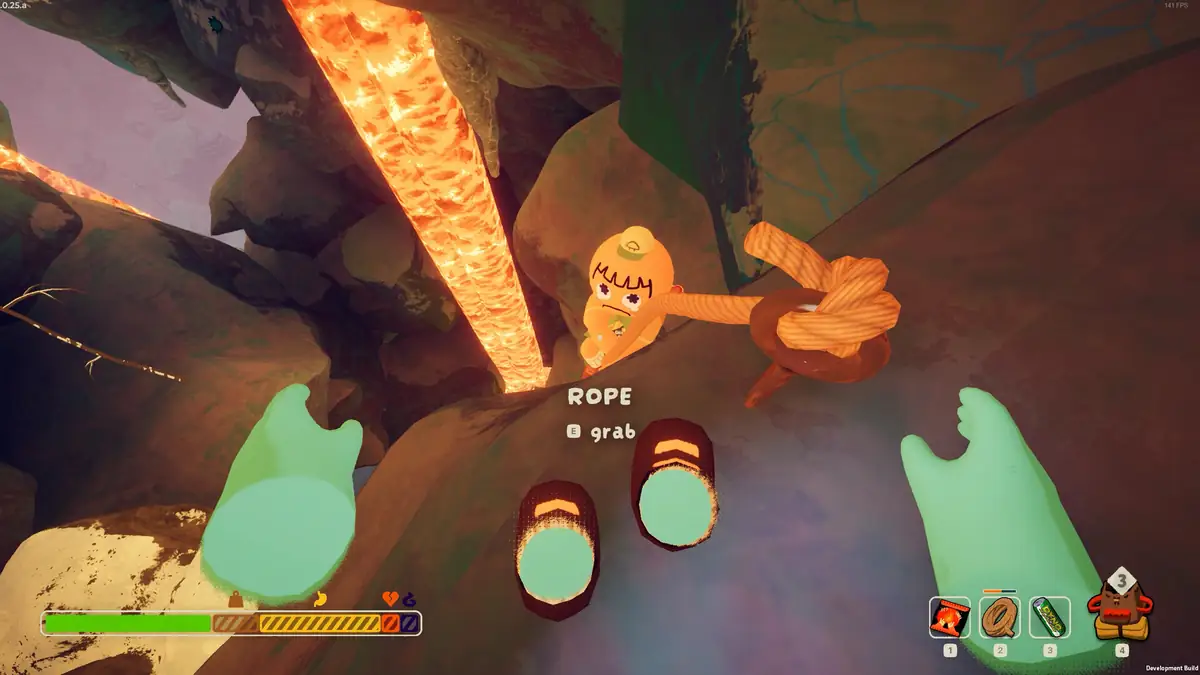
A rope is most useful when the team has already identified a surface, ledge, or descent line worth connecting. Equip the rope tool, aim at the placeable target, and watch the in-game preview before committing. The exact handoff can depend on the item and current prompt, so use the game display as the final control reference rather than assuming every rope tool behaves identically.
The core movement is simple: attach or place the line, grab it, and climb while keeping enough stamina to finish the next movement. A rope can give a player a more readable route through a vertical section, and a prepared line can let a teammate follow a decision that would otherwise require another risky jump. It is route preparation, not a guarantee that the next landing is safe.
One official movement change still matters. Patch 2.01.a says, "Jumping off a rope or chain will now properly give you a vertical boost." That means leaving the line can be part of the move into a nearby hold, but the boost does not remove the need to read the target and leave enough stamina for the grab. The same patch says, "Climbing a rope now costs sliiiiiiightly more stamina." The change is deliberately small in the official wording; plan for a slightly higher rope-climb cost without inventing a value.
The rope-tool names are easy to mix up. Rope Spool is the ordinary spool concept players use to place a rope downward from a stable position. Anti-Rope Spool is a different item with an anti-rope role; it is not a spare Rope Spool and should not be treated as one. The homepage item database keeps those entries separate so the team can check the current item wording before a run.
Rope Shooter and Anti-Rope Cannon belong to the same planning conversation but are not interchangeable labels. Use the Rope Shooter card and Anti-Rope Cannon card for their maintained site descriptions, then verify the current prompt in the game. Some placement habits come from community testing rather than official patch notes, so this page marks those habits as practical guidance instead of presenting them as developer specifications.
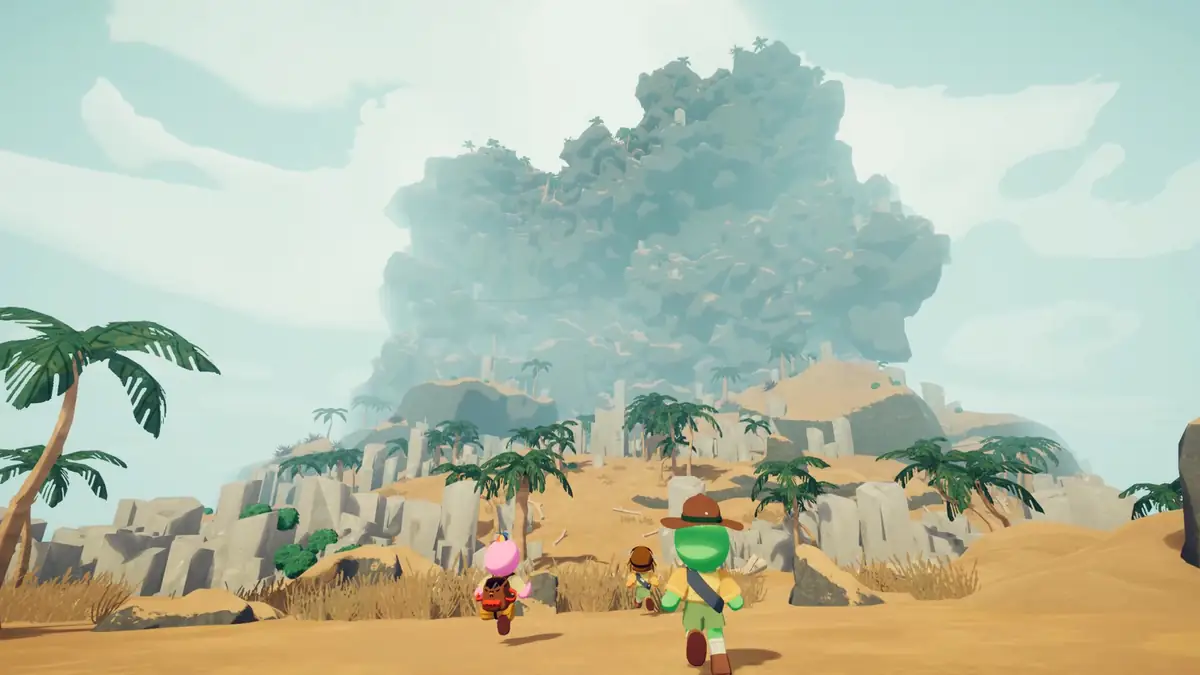
- Read the preview Confirm the target and likely landing before placing or firing a rope.
- Budget the climb A rope climb uses stamina, and the official 2.01.a note describes that cost as slightly higher.
- Name the tool Rope Spool and Anti-Rope Spool are separate items with different planning roles.
- Leave deliberately A jump off a rope or chain can provide a vertical boost, but the next hold still matters.
Chain Launcher: what it does
Chain is the other half of the rope-versus-chain distinction. In normal route language, a chain behaves like a fixed span between two points: it is something the team can climb or use to move across a gap rather than a flexible line that hangs from a selected length. This is a practical distinction for reading terrain, not a claim that the two objects share the same physics.
The Chain Launcher is the tool to consider when a team needs to create that kind of connection from a firing point toward a targeted surface. The community wiki describes it as creating a chain between the player and a targeted surface when fired. That description comes from the Chain Launcher item entry and community documentation, not from the official 2.01.a or 2.02.a patch text. Keep the source boundary visible when explaining the item to new players.
In practice, a chain is valuable when the next safe decision is horizontal or when the gap separates two readable pieces of terrain. Aim with the route in mind, leave room for the climber to grab the resulting line, and call out which side the team is using. The launcher can change how the group approaches a gap, but it does not make an unverified surface safe or promise an unlimited span. The current game remains the authority for the prompt, connection, and traversal behavior.
Do not use “chain” and “rope” as shorthand for the same item family. A Rope Shooter or Anti-Rope Cannon is a rope-tool choice; Chain Launcher is the chain-tool choice. If the team says “bring the rope,” name the actual item before the climb so a flexible line is not confused with a chain bridge or with Anti-Rope Spool.
- Start from the route Choose a connection that leads to a visible, recoverable surface.
- Call the far side Tell the team which ledge or wall the chain is meant to serve.
- Keep the boundary clear The two-point Chain Launcher behavior is community-documented, not an official patch quote.
Rope length and chain length: what is confirmed?
Players often search for a PEAK rope length formula or ask how far a chain launcher can reach. The official announcements used for this guide do not publish a precise rope length, chain length, maximum span, inventory total, or distance equation. This page therefore does not turn a community measurement into official data. If a length matters to a real attempt, use the current in-game preview and leave a recovery option instead of trusting an old number.
A useful field test is qualitative: find a stable starting position, point at the intended surface, and check whether the preview reaches the route you can actually see. Test the line before the team commits to a jump. If the connection is shorter than expected, change the position or route rather than stretching the claim. This is a play method, not a hidden formula.
Community pages may list measurements for Rope Spool, Rope Shooter, or Chain Launcher. They can help you form a question, but the source label matters. The maintained homepage database gives the item names and broad roles; the game build you are playing decides what the prompt accepts. Record the version beside any personal test because a later patch can change behavior without preserving an old measurement.
Length is also not the same as usefulness. A short line can be enough to make a next hold readable or to give a teammate a controlled exit. A longer-looking line can still be poor preparation if it ends over an unsafe surface. Route geometry, stamina, visibility, and the position of the rest of the team are more reliable planning inputs than a single number copied from a different build.
Common rope and chain mistakes
The most important stamina clarification concerns “magnet-ing” from far away. Patch 2.01.a introduced a small stamina penalty for reaching from far away to a rope or chain. Patch 2.02.a then explicitly said that the distance-based stamina cost for starting to grab a rope had been reverted. In the current rule described by that later official note, do not tell players that the old distance penalty is still active. The earlier patch is history; 2.02.a is the correction.
The official 2.01.a note also says, "The chain you're currently climbing is no longer prompted as an interactable when you're on it." This is a prompt and interaction clarification, not proof that chains and ropes work identically. When the team is already on a chain, read the current display and use the movement input that the game presents instead of waiting for the chain to be offered as a fresh interactable.
Another common error is asking which line is always cheaper or better. The official notes do not publish a universal rope-versus-chain stamina ranking, and the route determines whether vertical climbing or a horizontal crossing is the real cost. A line that saves a risky jump may be the sensible choice even if it takes time or stamina to use. Keep the comparison tied to the current terrain and build.
Finally, do not promise that a rope or chain can be placed forever, that every surface accepts every tool, or that a displayed preview guarantees a successful catch. Those claims require current in-game confirmation. The responsible answer to an undocumented mechanic is to verify it in the version at hand and label community observations as observations.
- Old magnet rule The distance-based grab penalty from 2.01.a was reverted in 2.02.a.
- Current chain prompt A chain already being climbed is no longer prompted as an interactable in the 2.01.a note.
- No universal winner Rope and chain solve different route problems, so “cheaper” depends on the climb.
- No invented limits Use the current preview and game behavior for length, placement, and span questions.
A practical rope and chain route checklist
Start by checking today's PEAK map rotation. The daily route changes the terrain you will read, the gaps you will approach, and the reason a tool might be worth carrying. A route-focused loadout is more useful than treating Rope Spool, Rope Shooter, Anti-Rope Cannon, and Chain Launcher as interchangeable answers to every obstacle.
Before the team leaves a stable position, identify the next surface, the person placing or firing the line, and the recovery plan if the connection is not accepted. Use short callouts such as “vertical rope,” “chain across,” or the exact item name. This reduces the chance that one player is preparing a flexible rope while another is waiting for a chain bridge.
During the move, let the climber finish the intended action before the group changes the plan. Remember the official vertical boost when leaving a rope or chain, but do not jump simply because the boost exists. The useful question is whether the next hold is visible and reachable with the remaining recovery options. After a patch, repeat the prompt check because update notes can change a familiar interaction.
- 1. Check the route Use the daily map entry, then confirm the active route in the game.
- 2. Name the obstacle Decide whether the problem is a vertical climb, a gap, or teammate access.
- 3. Name the tool Choose the specific rope or chain item and its carrier.
- 4. Confirm recovery Keep a safe hold, a fallback position, or a teammate plan before committing.
Next steps for safer climbs
Rope and chain mechanics make more sense when they are part of a complete climb plan. Read the practical PEAK tips for stamina, supplies, and co-op decisions, then review how to play PEAK if the basic climb loop is still unfamiliar. When you are ready to choose a route, check today's PEAK map and compare its terrain with the current tool prompts. For region names and route vocabulary, return to the biomes list.
Quick answers
PEAK Rope and Chain FAQ
How do you use a rope in PEAK?
Equip the relevant rope tool, aim at a valid surface, confirm the current in-game preview or prompt, then grab and climb the placed line. Use the route and the game display as the final authority because Rope Spool, Rope Shooter, and Anti-Rope Cannon are different tools.
Does magnet-ing from far away still cost stamina in PEAK?
The distance-based stamina penalty introduced in Patch 2.01.a was reverted in Patch 2.02.a. Do not describe that old penalty as a current rule; verify the current build if the prompt behaves differently.
What is the Chain Launcher in PEAK?
It is a chain-focused traversal item. Community documentation describes it as creating a chain between the player and a targeted surface, while the official patch notes used here confirm general chain movement changes rather than publishing that full item description.
How long are PEAK ropes and chains?
The official sources used here do not publish a precise rope length, chain length, or formula. Check the current in-game preview and treat community measurements as non-official observations tied to a particular build.
Official sources and community boundary
What this guide can confirm
The official movement facts come from Patch 2.01.a and Patch 2.02.a. Patch 2.01.a confirms the vertical boost after jumping from a rope or chain, a slightly higher rope-climb stamina cost, the chain interaction prompt change, and the then-new distance penalty. Patch 2.02.a confirms that the distance-based grab penalty was reverted. The Chain Launcher connection description is attributed to community documentation at peak.wiki.gg; the official notes do not publish precise rope or chain length values.